If you’re writing a scientific paper and wondering how you can type in exponents, then you’ve come to the right place. Exponents are the small numbers or texts found slightly higher than the main text.
They are most commonly used in papers to point to footnotes or endnotes. Additionally, exponents are an excellent formatting feature found in different types of writing.
You’ll be grateful for Google Docs for creating such a useful tool to type in exponents in a few simple clicks.
This is especially true if you deal with equations and footnotes on a regular basis. Also, writing mathematical equations has never been easier with Google Docs’s Equation Toolbar.
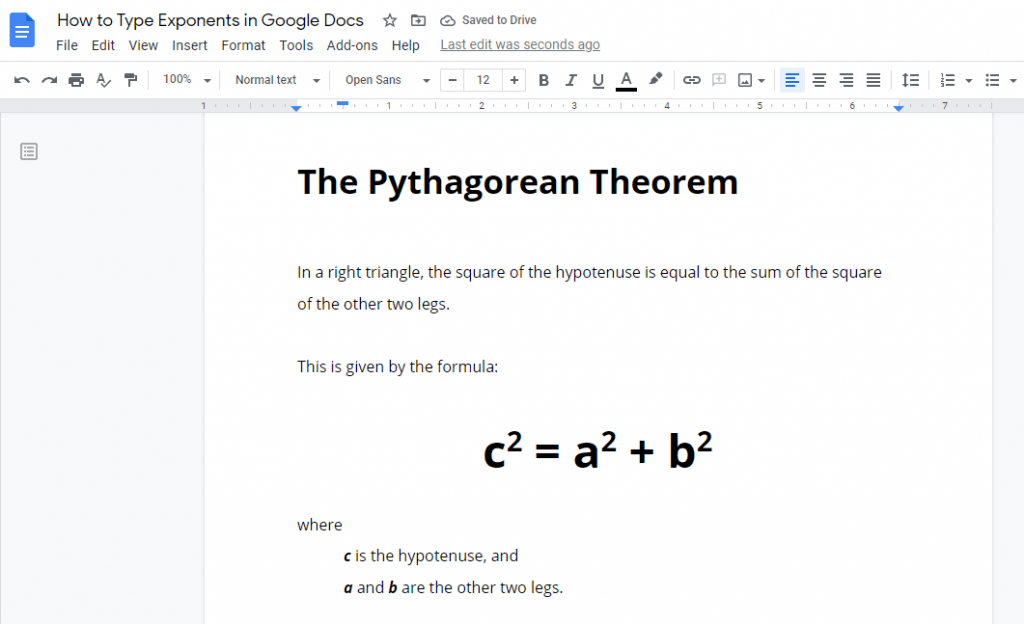
Now, there are about three ways to type in exponents in Google Docs.